 How-to
How to Track Large Appliance Shipments Step by Step
Quick Summary
To track large appliance shipments, find your order number and tracking or pro number, then enter it on the correct carrier portal. Freight shipments often use a pro number on the bill of lading rather than a standard parcel tracking number. Confirm your delivery appointment when the carrier contacts you.
- Save both the order number and the tracking number in one place.
- Freight carriers often use a pro number found on the bill of lading.
- Freight scans are less frequent than parcel scans, which is normal.
- Ask for the last-mile carrier's tracking number when the freight leg ends.
- Inspect the appliance and note visible damage before signing for delivery.
Table of Contents
- Why Large Appliance Shipments Are Harder to Track Than Parcels
- Step 1: Find Your Order Number and Tracking Reference
- Step 2: Track Your Appliance Online Using the Carrier Portal
- Step 3: Track a Home Depot Order Number From Start to Finish
- Understanding Tracking Terms and Status Meanings
- Step 4: Track for Free and Schedule Your Delivery Appointment
- What to Do When Tracking Stops Updating or Your Delivery Is Delayed
- Booking Your Fast Appliances Delivery and Next Steps
- Frequently Asked Questions
Why Large Appliance Shipments Are Harder to Track Than Parcels
Last Updated: November 7, 2026
Tracking a large appliance is not like tracking a small package, and knowing how to track large appliance shipments can save you time and frustration.
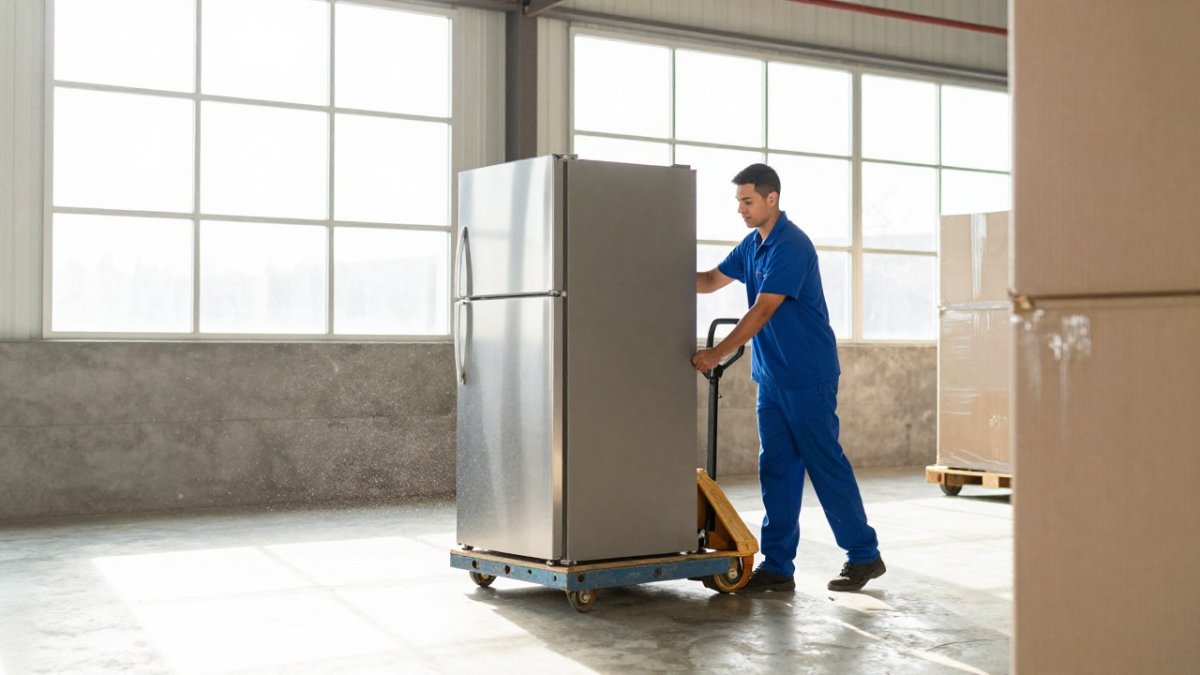
When you track large appliance shipments, you will often find they travel as freight. A bill of lading is the shipping document that lists what is being moved and who is moving it (bill of lading | Wex | US Law).
Here is what makes these shipments harder to follow:
- Multiple legs: A unit may ride a truck to a regional hub, then switch to a local delivery vehicle.
- Different tracking numbers: The seller, the freight carrier and the last-mile driver may each issue their own number.
- Scheduled windows: Large items usually arrive in a delivery window, not at an exact minute.
- Delivery appointments: Some carriers need you to confirm a time before they can deliver.
Knowing this upfront makes it easier to track large appliance shipments without frustration. When you know which number to use, you can get answers faster.
Step 1: Find Your Order Number and Tracking Reference
Start by gathering the right reference numbers. Most retailers send an order confirmation email with an order number. Once the item ships, a second email usually includes a tracking number.
Look for these items in your confirmation emails:
- Order number: Your retailer's internal reference for the purchase
- Tracking number: The carrier's number used for live status updates
- Pro number or BOL number: Freight carriers often use these for large shipments
- Carrier name: UPS, FedEx, or a freight line such as a regional truck carrier
Save both the order number and the tracking number in one place. You will need them if you contact customer service.
Watch out: Some sellers only send a tracking number after the item leaves their warehouse. If you do not see one after a few days, contact the seller directly.
Step 2: Track Your Appliance Online Using the Carrier Portal
Once you have a tracking number, go to the carrier's website and enter it in the tracking field. You will see the current status, the last scan location and an estimated delivery date. For large appliances, the carrier is often a freight line rather than a parcel service, and the portal works a little differently.
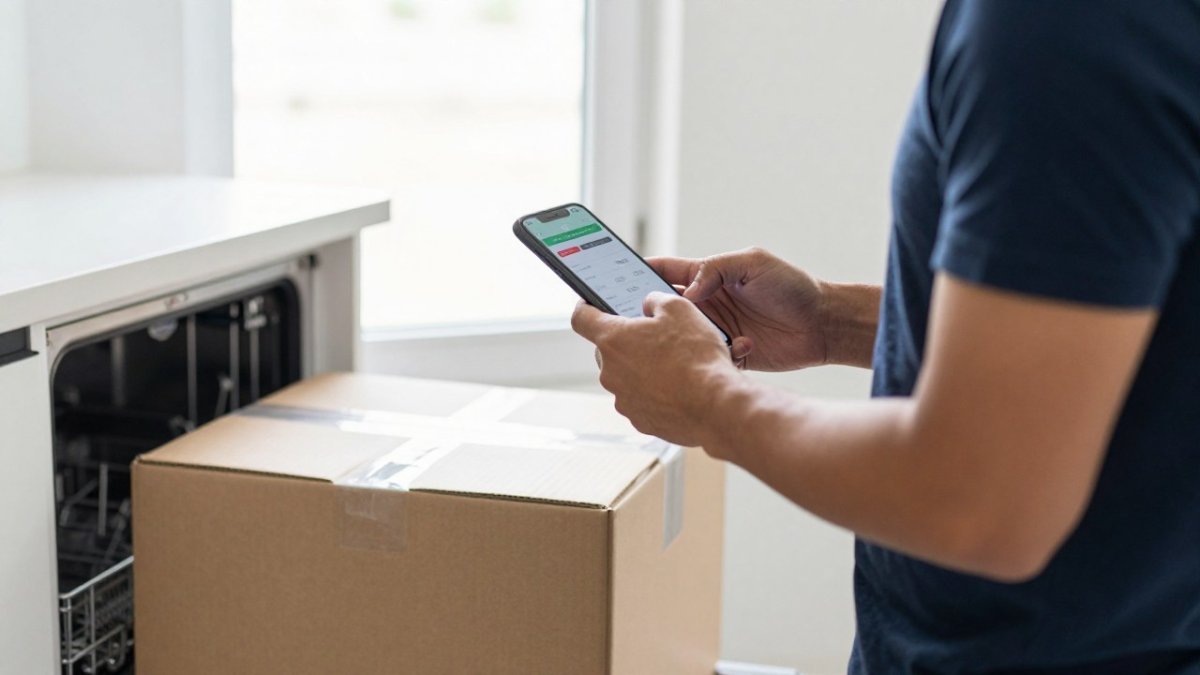
Match the number to the right portal
Freight carriers typically use a pro number (also called a PRO or freight bill number) on the bill of lading, not a parcel-style tracking number. Parcel carriers such as UPS and FedEx use their own tracking formats. If your retailer gave you a pro number, enter it on the freight carrier's tracking page, not on a parcel carrier's site. If you only have an order number, use the retailer's order lookup first, it usually links to the correct carrier portal.
Read the scan history, not just the headline status
Open the detailed scan history rather than relying on the top-line status. Freight scans are less frequent than parcel scans because a pallet may sit at a terminal while a truck is loaded. A common pattern is a pickup scan, a terminal arrival scan, an in-transit departure scan, a destination terminal arrival scan, and then a last-mile out-for-delivery scan. Fewer scans between terminals is normal and is not by itself a sign of a problem.
Connect the freight leg to the last-mile leg
Large appliances often move on a national or regional freight line and then transfer to a local delivery agent for the final miles. The freight pro number may stop updating once the unit reaches the destination terminal. At that point, ask the freight carrier or the retailer for the last-mile carrier's name and tracking number. Some retailers provide a separate delivery appointment link or a local agent's phone number. Save both references so you can follow the shipment across the handoff.
Set up alerts the right way
Create a free account on the carrier's portal and turn on email or text alerts.
Watch out: A tracking page that shows "label created" or "bill of lading received" only means the paperwork exists, the carrier may not have physically picked up the appliance yet, so do not assume it is moving.
Many people ask whether tracking is free. In most cases, checking status on a carrier's website costs nothing. Some carriers charge for enhanced notification services, but basic online tracking is generally free.
Freight scans and parcel scans look different, so match your reference number to the right portal before you start checking.
| Reference | Where to use it | Note |
|---|---|---|
| Tracking number | Parcel carrier site (UPS, FedEx) | Live status and estimated delivery |
| Pro number | Freight carrier tracking page | Found on the bill of lading |
| Order number | Retailer order lookup | Usually links to the correct carrier portal |
| Last-mile reference | Local delivery agent | Ask for it when the freight leg ends |
Step 3: Track a Home Depot Order Number From Start to Finish
Many shoppers buy appliances from large home improvement retailers, so the Home Depot tracking process is a common question. Start by signing in to your account or using the order lookup on the retailer's site. Enter your order number and the email address used at checkout.
Your order page will show each item and its status. If you are comparing a pre-owned unit, you can review the LG electric dryer details and warranty before you decide. Large appliances may appear as "shipped" before a tracking link becomes active. When the carrier scans the package, the link will open the carrier's tracking page.
Understanding Tracking Terms and Status Meanings
Tracking pages use short phrases that can be confusing. Here are common terms and what they usually mean:
- Label created: The shipper has generated a shipping label, but the carrier has not picked up the item yet.
- Picked up: The carrier has the item in its possession.
- In transit: The item is moving between facilities.
- Arrived at facility: The item reached a sorting or freight hub.
- Out for delivery: The local driver has the item and will attempt delivery today.
- Delivery attempted: The driver tried to deliver but could not complete the drop-off.
- Delivered: The carrier has recorded the delivery, sometimes with a signature or photo.
A delivery exception means something changed. Exceptions can include weather delays, a damaged package or a missing address detail. Read the full exception message before you call anyone.
Step 4: Track for Free and Schedule Your Delivery Appointment
Tracking itself is generally free on carrier websites. The bigger step is confirming your delivery appointment. Many large appliance carriers send a call or text to set a time. Respond quickly, because open slots often fill up.
Before the delivery day, prepare these details:
- Access: Clear a path from the door to the install location
- Doorway size: Measure doors, hallways and stairs before the truck arrives
- Contact number: Give a phone number the driver can reach on the day
- Proof of delivery: Expect a signature, photo or both when the unit arrives
Ask the carrier whether a second-floor or basement delivery adds a fee.
What to Do When Tracking Stops Updating or Your Delivery Is Delayed
Sometimes a tracking page stops changing for several days. Do not panic right away. Large freight can sit at a hub while it waits for a truck to fill, and a destination terminal may hold a unit until a local delivery route is scheduled. Check the carrier's service advisories first for weather, terminal closures or volume delays.
Diagnose why the tracking stalled
Before you call anyone, identify which leg you are on:
- No pickup scan after several business days: The bill of lading may be created but the carrier has not loaded the unit. Contact the retailer, not the carrier.
- Stuck at a terminal: The unit is likely waiting for linehaul capacity or a local delivery route. Ask the carrier for the scheduled departure or delivery appointment.
- Stuck after a destination terminal scan: The freight leg is likely complete and the last-mile agent has not scanned it yet. Ask the retailer or freight carrier for the local agent's tracking number.
- Delivery exception posted: Read the full exception message. It usually names the reason, address issue, access problem, refused delivery or damage, and tells you who to call.
Escalate in the right order
If the page stays frozen for more than a few business days, work through this sequence:
- Confirm you have the correct tracking or pro number and the right carrier portal.
- Contact the retailer's customer service with your order number and ask for a status update and the last-mile carrier details.
- Contact the freight carrier with the pro number and the ship date, and ask for a trace or a delivery appointment.
- If a freight broker arranged the move, ask the broker to open a trace with the underlying carrier.
- Request a formal trace if the item is truly lost, and ask for the claim process in writing.
Document damage or loss before you sign
If the appliance arrives damaged, take photos of the box, the pallet, the unit and the delivery paperwork before you sign. Note any visible damage on the driver's paperwork and keep a copy. Keep all packaging until the claim is resolved.
Watch out: Signing a clean delivery receipt without noting visible damage can weaken a later claim, so inspect the appliance before the driver leaves.
Keep every email, tracking screenshot and delivery receipt in one folder. Clear photos and a documented timeline are the details that speed up replacement or refund requests.
Booking Your Fast Appliances Delivery and Next Steps
Now you know how to find order numbers, follow carrier updates, read status messages and handle delays. Good tracking takes a few minutes of checking and a quick reply when the carrier calls.
If you are ready to buy, see the how to find reliable appliance delivery guide before you commit to a delivery option. It explains what to look for in a delivery service.
To avoid extra charges, read the guide on avoiding hidden costs in appliance delivery before you accept a new delivery date. If your unit shows up damaged or missing, the guide on what happens if your appliance arrives damaged explains your options.
Before the truck arrives, use the guide on preparing your home for appliance delivery to clear access and measure doorways. Fast Appliances LLC is here to help you get your appliance delivered safely.
Frequently Asked Questions
How do I track a large appliance shipment online?
Start with the tracking number from your order confirmation or shipping email. Enter it on the carrier's website, such as UPS or FedEx, to see the current status, scan history and estimated delivery date. If your order was placed through a retailer, you can often find the same details under the order history in your account. Check the status again after 24 hours if nothing has changed, since large freight often updates in batches rather than in real time.
Can I track an appliance delivery without a tracking number?
Yes, but it takes more effort. Log in to your account on the seller's website and open the order details, where the tracking reference is usually listed once the item ships. If the order was placed by phone or in a store, call customer service with your order number and ask for the carrier and tracking reference. Keep your order confirmation email, since it is the most reliable place to find these details later.
What should I do if my appliance delivery tracking has not updated?
Wait one to two business days before acting, because freight carriers often skip scans between hubs. If there is still no update, confirm the tracking number matches your order, then contact the carrier with the reference number and ask for the last known location. If the shipment is late or lost, contact the seller's customer service to request a trace or replacement, and keep photos of any damage for your claim.